Custom Watch Dial Logo: Zones, Techniques and Artwork Workflow
Where and how your logo is applied on a watch dial: zone-by-zone placement rules, pad printing versus metal appliqué, and the artwork-to-sample workflow Aurevo uses before bulk production.
A dial is the first place a buyer's eye lands — which also makes it the first place a bad logo application shows. This page breaks the dial down by zone and logo technique so you can brief artwork that survives pad printing or appliqué and stays legible at retail distance.
Dial Zones and What Each Can Carry
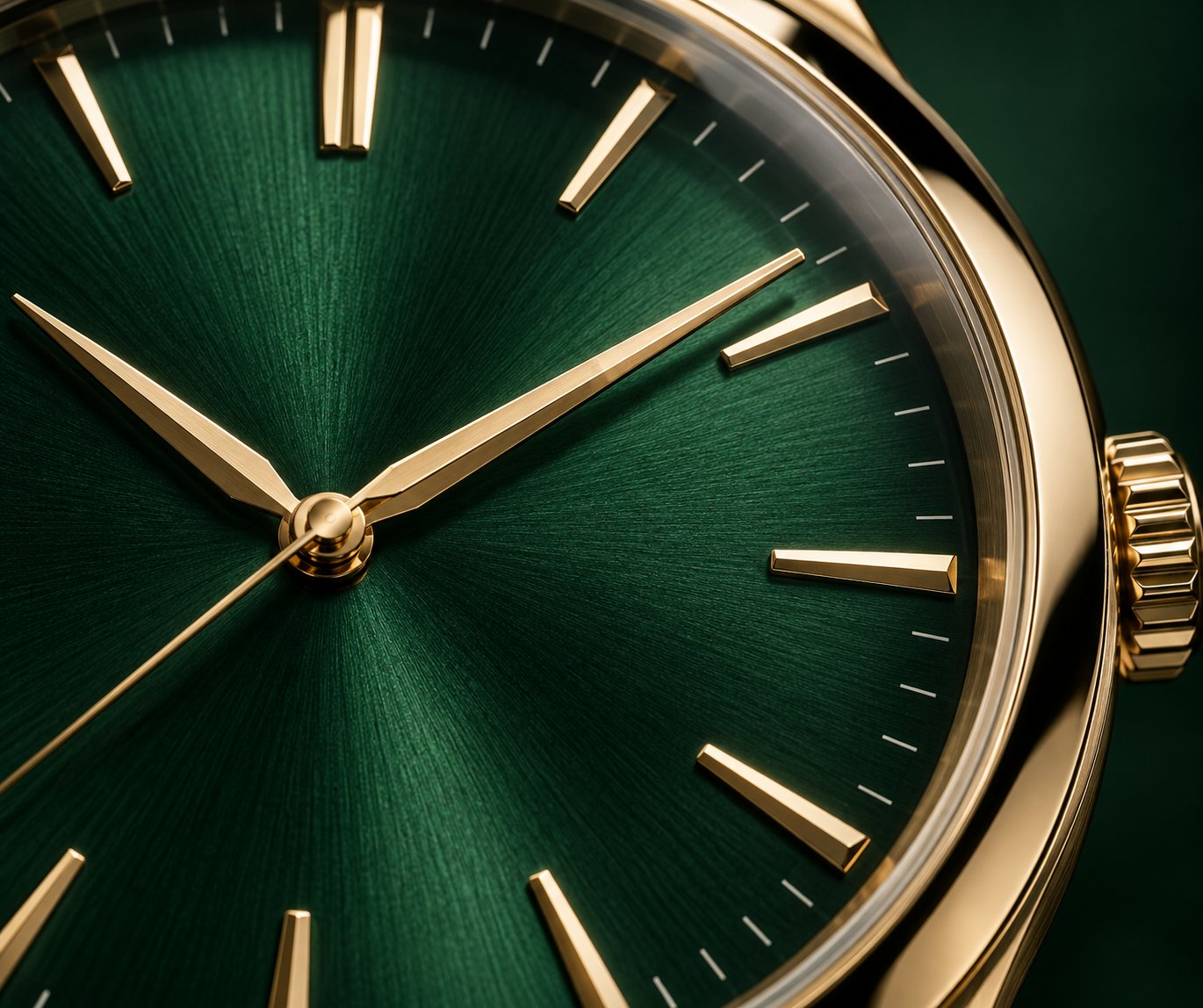
A watch dial is divided into zones defined by case diameter, hand stack and index ring. Aurevo's dial workshops plate, print and assemble dials on dedicated benches inside the watch production line, so each zone is inspected before the movement is fitted.
- Upper zone (12 o'clock): the primary logo position for brand names, sized to stay clear of the hour hand sweep.
- Lower zone (6 o'clock): secondary text such as model names, "Automatic" or "Quartz" descriptors and small mark lines.
- Index ring: applied indexes and luminous dots are placed around the logo zone and must not crowd it.
- Date window: on date platforms the aperture position constrains both logo zones and is confirmed on drawings.
Logo Techniques Compared
| Technique | Best For | Notes |
|---|---|---|
| Pad printing | Fine multi-color marks and small text | Color matched on the approved sample; most economical at scale |
| Metal appliqué | Single-mark brand logos with dimensional depth | Cut and set as a metal badge; higher unit cost, stronger presence |
| Caseback engraving | Secondary branding and numbering | Laser or mechanical engraving applied before casing |
Artwork-to-Sample Workflow
Send your logo in vector format with the target dial color. Aurevo returns a dial drawing showing logo size and position for approval, then produces pre-production samples in 7–15 working days. Bulk production follows at 20–40 working days, with dial printing checked at QC stations for registration and color before assembly. Program MOQ starts at 100 pieces on existing platforms; dial artwork preparation for full custom development starts at 300 pieces. All Aurevo watches carry a 12-month warranty on manufacturing defects.
What artwork files should I prepare?
Vector files (AI, PDF or EPS) with the logo in solid black produce the most reliable printing result. The sales team confirms file requirements when the program opens.
Can the dial be a custom color?
Yes. Dial colors such as deep green, champagne and mother-of-pearl styles are available across Aurevo platforms; custom dial colors are approved on the pre-production sample.
Is the logo protected from wear?
Print and appliqué adhesion are checked during dial inspection; long-term wear behavior depends on model and is reviewed with the sales team at sample stage.
Dial Zone & Technique Planner
Select the logo zone and technique to see the application guidance that applies.
Related Product
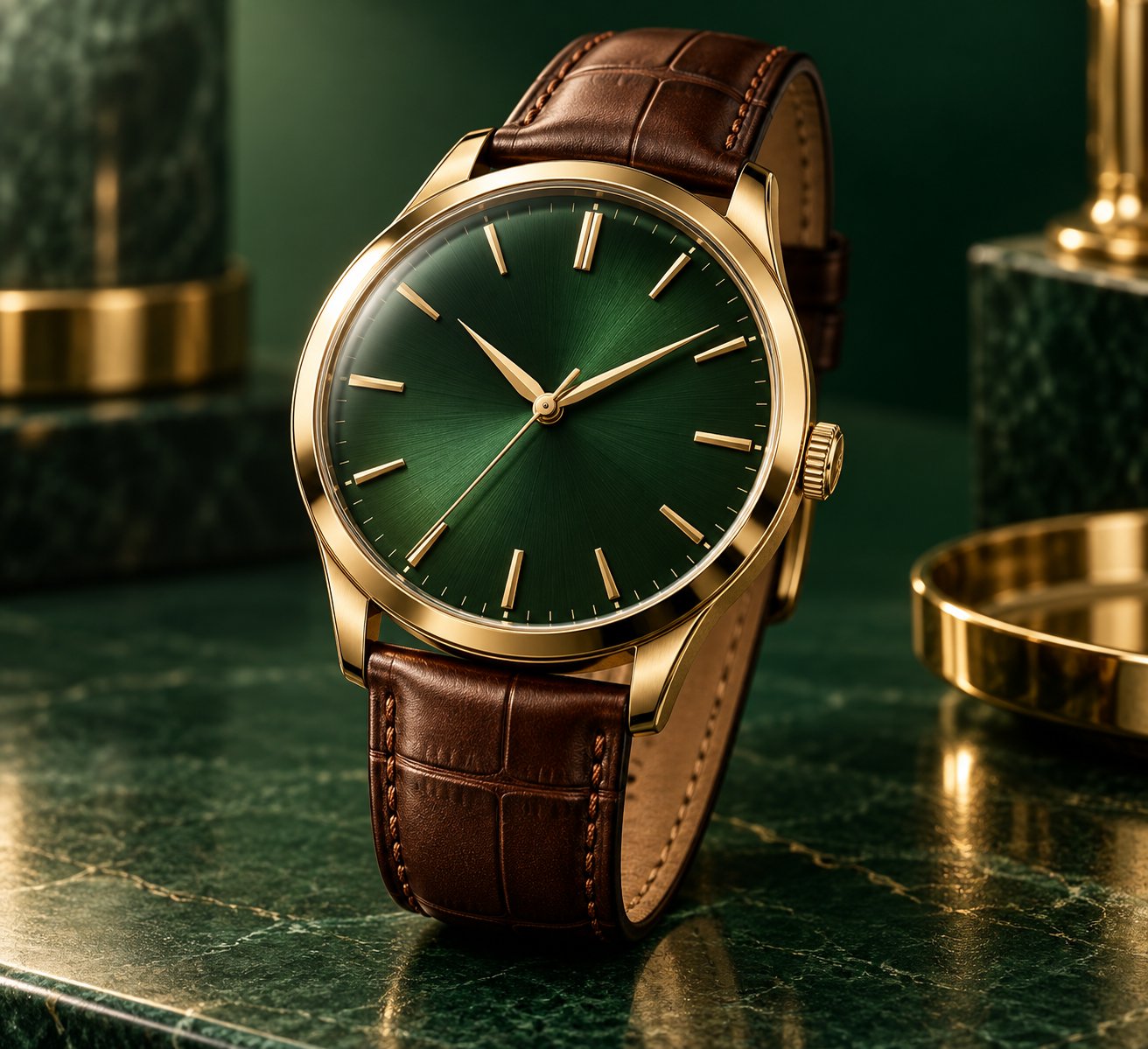
Aurevo Custom Logo Men's Watch
A men's custom logo dress watch with a deep green dial, gold-tone case and brown leather strap, built for private label and OEM watch programs.
View product →Request Program Details
Tell us your program requirements — styles, quantities, branding and target market — and our sales team will confirm MOQ, samples and lead time with you.